 Email Warm-up
How Many Domains Do You Need for Cold Email? Use 2–5 Mailboxes per Domain
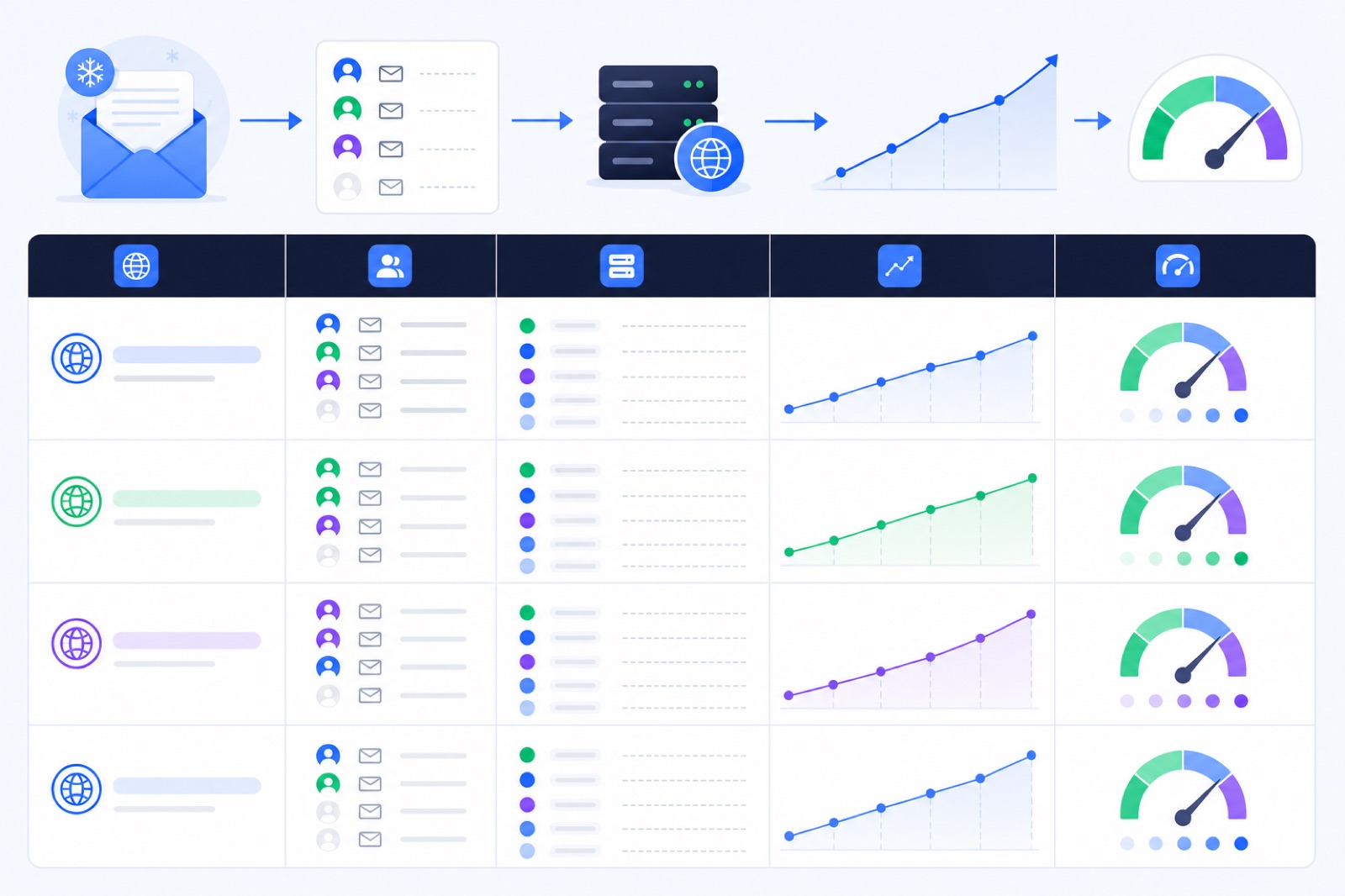
Plan 2–5 mailboxes per cold email domain, then divide your required mailbox count by that range. If you need 20 mailboxes, that means about 4–10 domains. Too many senders on one domain concentrates reputation risk. This guide gives the calculator, DNS checklist, warm-up plan, and scaling rules.
If you are still choosing mailbox count, start with how many mailboxes you need for cold email. If you already know your daily sending target, the domain math is simple.
How many domains for cold email?
Use this rule first: 2–5 mailboxes per cold email domain.
Use two or three mailboxes per domain when the domain is new, the offer is untested, or the audience is cold. Use four or five only when the domain is stable, authentication passes, bounces stay low, and replies are healthy.
The domain formula is:
domains needed = total mailboxes ÷ mailboxes per domain
Round up. You cannot buy 4.2 domains.
The mailbox formula is:
mailboxes needed = daily cold emails ÷ cold emails per mailbox
For cold outreach, use 30–50 emails per mailbox per day as a planning range. Start closer to 30 when a domain is new. Increase only after replies, bounces, complaints, and spam placement look clean.
Warm-up volume is separate. During campaigns, keep warm-up around 10–15 messages per day per mailbox. Do not use warm-up volume to compensate for poor lists or aggressive sending.
| Daily cold email target | Mailboxes at 30/day | Mailboxes at 50/day | Domains at 2 mailboxes/domain | Domains at 5 mailboxes/domain | Safer starting plan |
|---|---|---|---|---|---|
| 100/day | 4 | 2 | 1–2 | 1 | 1–2 domains, 2–4 mailboxes |
| 250/day | 9 | 5 | 3–5 | 1–2 | 2–3 domains, 3–5 mailboxes each |
| 500/day | 17 | 10 | 5–9 | 2–4 | 4–6 domains, 3–4 mailboxes each |
| 1,000/day | 34 | 20 | 10–17 | 4–7 | 7–12 domains, 3–5 mailboxes each |
| 2,000/day | 67 | 40 | 20–34 | 8–14 | 14–25 domains, 3–5 mailboxes each |
| 5,000/day | 167 | 100 | 50–84 | 20–34 | 34–60 domains, 3–5 mailboxes each |
This table is planning math, not an inbox placement guarantee. Results depend on authentication, domain history, recipient engagement, list quality, sending consistency, bounces, and complaint rates.
Google recommends keeping spam complaint rates under 0.1% and avoiding 0.3% or higher in its email sender guidelines. Yahoo also tells senders to keep spam rates under 0.3% in its sender best practices. Treat those as ceilings, not goals.
Should you use secondary domains?
Do not run cold outreach from the main domain your team uses for invoices, customer support, account recovery, and investor mail. Use secondary domains that are close enough to your brand to be recognized, but separate enough to protect core business mail.
For example, if your main domain is example.com, your cold outreach domains might use a related pattern. Keep the names clear. Avoid deceptive spelling, lookalike domains, or anything that could confuse recipients.
Each sending domain needs a basic identity:
- A working website or redirect.
- A visible company connection.
- A real mailbox for replies.
- SPF, DKIM, and DMARC.
- Consistent sender names.
- A simple unsubscribe process for campaigns.
Do not solve volume by adding hidden domains with no identity. That creates operational risk and makes replies harder to manage.
If you are building your first setup, read secondary domain cold email setup before you buy domains. It covers naming, DNS, warm-up, and limits.
How many mailboxes per domain?
The 2–5 mailbox range exists because domain reputation is shared. Mailbox reputation matters, but mailbox behavior still rolls up to the domain.
If ten mailboxes on one domain send similar cold emails to unverified lists, the domain takes the combined pressure. If one mailbox gets blocked, spikes bounces, or receives spam complaints, assume the domain needs attention too.
A small domain group is easier to debug.
With two mailboxes on a domain, you can spot problems fast. If both show spam placement, the issue is probably domain-level, DNS-level, or campaign-level. If only one mailbox suffers, you can isolate that sender.
With five mailboxes, you get more scale without putting too much weight on one domain. That is usually the upper planning range for cold outreach.
| Situation | Mailboxes per domain | Why |
|---|---|---|
| Brand-new domain | 2–3 | Lower pressure while reputation forms |
| Existing secondary domain | 3–5 | More capacity if DNS and engagement are healthy |
| Risky or untested offer | 2 | Easier isolation if complaints rise |
| Verified niche list | 3–5 | More stable audience and lower bounce risk |
| Agency client domain | 2–4 | Keeps client risk easier to explain |
| Main business domain | 0 | Keep core business mail out of cold outreach |
If your plan needs 100 mailboxes, do not put them on 10 domains just because your admin panel allows it. Plan 20–50 domains if you want to stay inside 2–5 mailboxes per domain. For fleet math, use the 100-mailbox warm-up guide or the 500-mailbox warm-up guide.
What DNS does each domain need?
Every sending domain needs its own DNS setup. Do not authenticate one domain and assume the rest are covered.
At minimum, set SPF, DKIM, and DMARC on every domain. The exact records depend on the mailbox provider and sending route. Google Workspace, Zoho, Lark, Amazon SES, SendGrid, Mailgun, and hosted IMAP providers all use different records.
SPF authorizes sending servers. DKIM signs mail with a domain key. DMARC tells receiving servers how to evaluate alignment and where to send reports.
For early cold outreach, DMARC at p=none is common while you validate alignment. Move toward a stricter policy only when legitimate mail passes. Do not publish a strict policy blindly if you use multiple tools.
Also check MX records. If people reply, the domain must receive mail. A cold email domain that sends but cannot receive replies is not ready.
| Record or setting | What to check | Common failure |
|---|---|---|
| MX | Domain can receive mail | Replies bounce or vanish |
| SPF | Sending provider is included | SPF fails or exceeds the lookup limit |
| DKIM | Correct selector is published | Mail sends unsigned |
| DMARC | Policy exists and aligns | Gmail or Yahoo treats mail as unauthenticated |
| From domain | Matches your sending identity | Alignment breaks across tools |
| Unsubscribe | Campaign mail has an opt-out path | Complaints rise |
| Website | Domain resolves to a real page | Recipients distrust the sender |
Google and Yahoo both require authentication for bulk senders. Microsoft states that domains sending over 5,000 emails per day to Outlook.com consumer mailboxes need SPF, DKIM, and DMARC alignment in its high-volume sender requirements.
If SPF gets complicated, check the SPF 10-lookup limit guide. If you need a full authentication walkthrough, use SPF, DKIM, and DMARC for cold email.
How long should domains warm?
You are warming two things at once: the mailbox and the domain.
A mailbox needs sending history, replies, inbox placement, and consistent behavior. A domain needs authentication, alignment, low complaint signals, low bounce pressure, and time.
For an existing domain, warm for at least 7 days before outbound. For a new domain, plan 2–3 weeks. During that period, do not jump straight to full campaign volume.
| Period | Warm-up volume | Cold email volume | What to watch |
|---|---|---|---|
| Days 1–7 | Start low and ramp | 0 | DNS pass, login stability, spam placement |
| Days 8–14 | Continue warm-up | 5–15/day/mailbox | Bounces, replies, spam landings |
| Days 15–21 | Keep 10–15/day | 15–30/day/mailbox | Complaint signals and reply quality |
| After day 21 | Keep 10–15/day | 30–50/day/mailbox | Steady engagement and list quality |
If a mailbox shows elevated spam placement, pause it for a few days. Do not increase volume to push through the problem.
In BobWork Email Warm-up, the shared warm-up network warms each active mailbox by default, or you can switch an account to a private pool in Mailbox pool → Pool mode. The engine starts at 3 emails per day, adds 2 per day, and caps at 30 per day unless you edit the mailbox cap.
That does not make poor campaigns safe. Warm-up helps create normal mailbox activity and recover warm-up messages found in spam. It does not guarantee inbox placement for cold emails.
If you are planning the ramp itself, use the 14-day and 28-day warm-up schedule.
How should you scale domains?
The safest way to scale is in batches, not from 5 mailboxes to 100 overnight.
Start with one domain group. Prove that DNS passes, lists are clean, copy gets replies, and bounces stay low. Then add another group.
A domain group is a practical unit:
- 1 domain.
- 2–5 mailboxes.
- 1 sending provider.
- 1 DNS checklist.
- 1 campaign audience.
- 1 warm-up and sending ramp.
If a group performs badly, stop that group. Do not change every domain at once. This keeps debugging possible.
For 50+ mailboxes, a private warm-up pool can make sense because your own mailboxes can warm each other. BobWork uses a shared warm-up network by default and offers an optional private pool per account. A private pool needs at least two mailboxes.
Bulk onboarding also matters. Connecting 100 mailboxes one by one creates mistakes. BobWork supports CSV bulk upload from Add mailbox → Many mailboxes: upload a CSV. Rows use email,app_password,name, with imap_host for other domains when needed. Failed rows are listed with the reason, and re-uploading safely skips already-connected mailboxes.
Use the bulk guides when you plan larger fleets:
- Warm up 50 mailboxes for your first scaled setup.
- Warm up 200 mailboxes when you need multiple domain groups.
- Bulk email warm-up for the operating model.
- CSV import for warm-up for connection prep.
The same 2–5 rule still applies at scale. A 500-mailbox system should usually be spread over many domains, not squeezed into a few.
Do this now
Use this checklist before sending the first campaign from a domain. Do it once per domain, not once per account.
| Step | Action | How to verify |
|---|---|---|
| 1 | Set the daily cold email target | You have a number, such as 500/day or 1,000/day |
| 2 | Calculate mailboxes | Divide target by 30–50 emails per mailbox per day |
| 3 | Calculate domains | Divide mailboxes by 2–5 per domain and round up |
| 4 | Buy secondary domains | Domains are separate from your main business domain |
| 5 | Create mailboxes | Each domain has only 2–5 senders |
| 6 | Configure MX | Test that each mailbox can receive replies |
| 7 | Configure SPF | SPF passes for the actual sending provider |
| 8 | Configure DKIM | DKIM signature appears on sent mail |
| 9 | Publish DMARC | DMARC exists and alignment passes |
| 10 | Start warm-up | Each mailbox ramps before campaigns begin |
| 11 | Send small tests | First campaign sends below full volume |
| 12 | Monitor problems | Pause mailboxes with spam placement, bounces, or complaints |
Save the table in your project tracker. Add one row per domain. If a domain has no owner, no DNS status, and no warm-up status, it is not ready for cold email.
What does a domain plan look like?
Here is a practical example.
You want to send 1,000 cold emails per day. You choose 40 emails per mailbox per day as your planning number. That means 25 mailboxes.
Do not put 25 mailboxes on one domain. If the domains are already warmed and tested, five mailboxes per domain gives you five domains. If the domains are brand new, three mailboxes per domain is safer. That gives you nine domains for 27 mailboxes.
The safer plan is nine domains with three mailboxes each. Warm all 27 mailboxes. Begin campaigns at 10–20 cold emails per mailbox per day. After the domains behave well, move toward 30–50.
If replies are strong and bounces stay low, increase gradually. If spam placement rises, pause the affected mailbox or domain group. Do not compensate by pushing the other mailboxes harder on the same domain.
For new accounts, BobWork Email Warm-up is free for up to 10 mailboxes with no credit card and no time limit. Extra active mailboxes are billed per mailbox, and CSV bulk upload helps connect larger fleets. Start with the domain count, then connect and warm the mailboxes.
Frequently asked questions
How many domains do I need for cold email?
Use 2–5 mailboxes per domain. Divide your required mailbox count by that range. If you need 20 mailboxes, plan 4–10 domains. Use fewer mailboxes per domain when domains are new, risky, or used for important brand mail.
Is one domain enough for cold email?
One domain is enough only for low-volume outreach. With 2–5 mailboxes, it typically supports about 60–250 cold emails per day at 30–50 per mailbox. Use separate secondary domains rather than sending cold outreach from your main company domain.
Can I put 10 mailboxes on one domain?
You can technically create 10 mailboxes, but it concentrates risk. For cold email, 2–5 mailboxes per domain is a safer planning range. If one mailbox gets complaints, bounces, or spam placement, the whole domain can be affected.
Do I need SPF, DKIM and DMARC on every domain?
Yes. Every sending domain needs SPF, DKIM and DMARC. Do not copy records blindly between providers. Each domain and mail provider combination can need different include mechanisms, DKIM selectors, and alignment checks.
Should every domain have its own website?
A simple live website or redirect helps the domain look complete, but it does not replace permission, relevance, authentication, list hygiene, and low complaints. At minimum, avoid blank or parked-looking domains when using them for cold outreach.
How long should I warm a new domain?
A typical new cold email domain needs 2–3 weeks before steady outreach. Existing domains can often start after about 7 days if authentication passes and spam placement stays low. Keep warm-up running during campaigns.
How many mailboxes do I need for 1,000 cold emails per day?
At 30–50 cold emails per mailbox per day, plan about 20–34 mailboxes. With 2–5 mailboxes per domain, that means roughly 4–17 domains. Start at the lower sending rate and add domains before pushing mailbox volume.
Warm up your mailboxes free
Connect Gmail, Google Workspace, Zoho or Lark. Your mailboxes warm on a shared network, or in a private pool of your own, starting today.