 Email Warm-up
Private Email Warm-Up Pool: When to Switch at 50+ Mailboxes
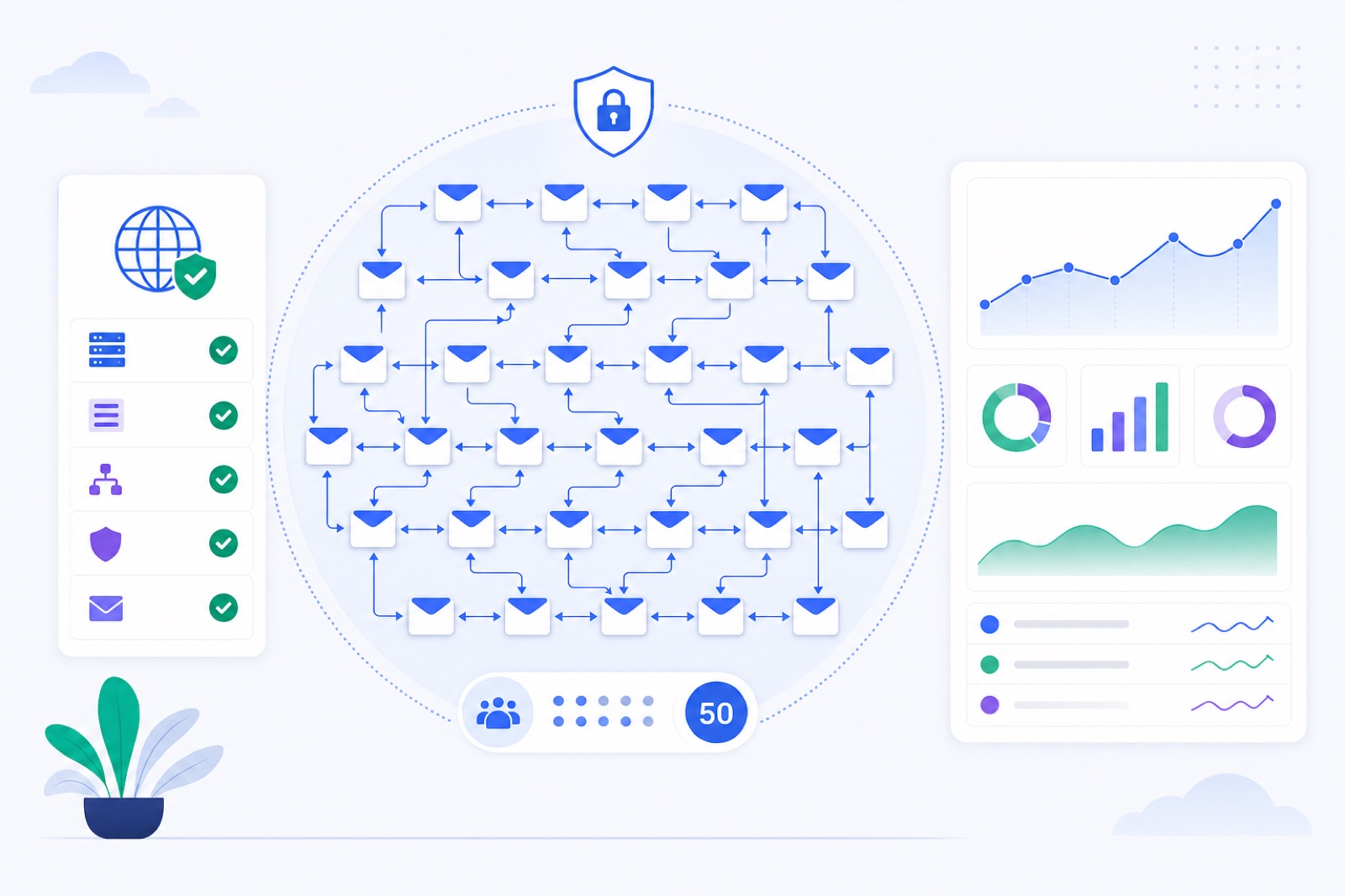
Switch to a private warm-up pool when you have 50+ active mailboxes, or earlier when client separation or policy requires it. Below that, a shared network usually gives better partner variety with less setup; switching too early can create repetitive sender pairs. This guide gives the thresholds, dashboard steps, DNS checks, and monitoring rules for moving safely.
BobWork Email Warm-up uses a shared warm-up network by default, so one mailbox can start immediately. At fleet scale, a private pool becomes easier to control. If you are planning the fleet now, start with the 50-mailbox bulk warm-up guide, then use this page as the switching rule.
When should you switch?
Switch at 50+ active mailboxes in the same account. At that size, you have enough internal variety for a private pool to work without forcing the same sender pairs too often.
A private pool means your mailboxes only exchange warm-up emails with your own mailboxes. No outside account receives your warm-up addresses. In BobWork, you turn it on at Mailbox pool → Pool mode.
Use private mode earlier only when separation matters more than variety. That can mean client contracts, internal policy, regulated workflows, or a team preference to keep warm-up traffic inside one account.
Private mode is not a deliverability shortcut. It does not repair bad DNS, weak lists, high complaint rates, or sudden outbound volume. It only changes the warm-up partner set.
Private mode also has a hard minimum: you need at least 2 active mailboxes. One mailbox can warm up in the shared network, but it cannot form a private pool by itself.
If you have 2–10 mailboxes, private mode can work, but it is thin. Pairing options are limited. If all mailboxes sit on the same domain and provider, the pattern is less useful than a mixed shared network.
At 20–49 mailboxes, decide based on risk tolerance. Agencies often use this range as the planning zone. Choose the account and client structure before you import the next batch.
When is shared better?
Shared warm-up is the normal starting point. Every active mailbox exchanges warm-up mail with other active mailboxes in the service. One mailbox is enough because the wider network supplies peers.
That matters for small teams. If you are warming one founder inbox, three sales mailboxes, or ten new domains, shared mode avoids a common mistake: building a tiny closed loop that repeats itself daily.
BobWork’s shared warm-up network handles partner selection automatically while you are small. Each user still sees and manages only their own mailboxes. The dashboard shows the live network count, not other users’ addresses.
Shared mode also helps when your providers are not mixed yet. The engine favours peers on a different domain or provider twice as often. A small setup gets more varied interaction than it could create alone.
The trade-off is control. In shared mode, your warm-up mail goes to mailboxes outside your account. The content is generated by the engine: short plain-text office notes with no links or images. Real mail is never read, moved, or answered.
Private mode solves the boundary problem. It is best when you have enough mailboxes to supply your own variety. That is why 50+ is the routine switching point for larger fleets.
For the deeper network model, read what an email warm-up network does. If you only need the operating decision, use the numbers below.
What private email warm up pool numbers matter?
Treat these as operating ranges, not guarantees. Provider filtering changes, mailbox behaviour changes, and weak sending practices can still damage a fleet.
| Fleet size | Pool choice | Why | Main risk | Practical action |
|---|---|---|---|---|
| 1 mailbox | Shared only | Private mode needs another mailbox | No internal peer exists | Use shared warm-up |
| 2–9 mailboxes | Usually shared | Private pool has little variety | Repetitive pairs | Use private only for strict isolation |
| 10–19 mailboxes | Shared or private | Enough for light internal exchange | Same-domain clustering | Mix domains and providers where possible |
| 20–49 mailboxes | Case by case | Agencies may need client separation | Thin pool for some domains | Plan account and client structure before scaling |
| 50+ mailboxes | Private recommended | Enough internal volume and control | One bad domain can affect the fleet | Segment domains and watch spam rate |
| 300 mailboxes | Private strongly preferred | Easier monitoring and client separation | Operational drift | Use bulk processes and domain checks |
BobWork’s warm-up ramp starts at 3 emails per day per mailbox, adds 2 per day, and caps at 30 per day by default. The cap is editable per mailbox up to 100. Weekends run at 30% of the weekday level.
That means a 50-mailbox fleet can eventually reach up to 1,500 warm-up emails per day at the default 30/day cap. A 300-mailbox fleet can reach up to 9,000 per day. Do not confuse warm-up volume with cold outreach volume.
For cold outreach, keep real sending lower: roughly 30–50 emails per day per mailbox. Add mailboxes instead of forcing more volume through one sender. See the cold email daily volume guide before setting campaign caps.
For new BobWork accounts created from 10 November 2026, the plan rule is simple: 1–3 mailboxes on Free, 4–10 on Pro, and 11 or more on Agency. Older accounts keep their plan. For large imports, also read the bulk email warm-up overview.
How do you switch safely?
Do not switch pool mode during a deliverability incident unless isolation is part of the fix. First stabilise DNS, login health, spam rate, and outbound volume. Then move the pool.
Step 1: clean the fleet
Remove broken mailboxes before switching. A mailbox with failed login, failed permission, or provider lockout should not be part of a private pool. It will not add healthy interaction.
Check each mailbox for connection status. In BobWork, a blocked mailbox means login or permission failed. Fix credentials, app passwords, OAuth permissions, or provider security prompts before the move.
If you are connecting many mailboxes at once, use CSV import. In Add mailbox, choose Many mailboxes: upload a CSV, then upload rows of email,app_password,name. Gmail, Yahoo, and iCloud hosts are filled in automatically. Other domains need imap_host. See the CSV bulk import guide for the exact flow.
Step 2: split domains sensibly
A private pool with 50 mailboxes on one domain is not a good cold email setup. Spread senders across several domains. A typical cold email setup uses 2–5 mailboxes per domain.
Do not buy random domains and send immediately. New domains usually need 2–3 weeks of warm-up before full volume. Existing domains often need at least 7 days before you judge readiness.
If you are not sure how many domains you need, use the domain and mailbox planning guide. Plan this before you import hundreds of inboxes.
Step 3: switch pool mode
In BobWork, go to Mailbox pool → Pool mode and choose Private pool. From that point, only your account’s mailboxes warm each other. A private pool needs at least 2 active mailboxes.
Do not expect the same traffic pattern as the shared network. Your internal mix now defines the pool. If most of your mailboxes are on one provider, the pool reflects that.
The engine still spreads sends across 09:00–18:00 in each mailbox’s own time zone. It decides every 15 minutes with randomness. A pair never writes to each other twice within 3 hours.
Step 4: hold outbound steady
Keep cold sending steady for several days after the switch. Do not raise campaign volume on the same day. If spam placement rises, you need to know whether the cause was the pool switch, outbound volume, DNS, content, or list quality.
Warm-up and real outreach can run from the same mailbox, but the combined pattern should look sane. For the operating model, read how to warm up while sending cold emails.
What must DNS prove?
Private pools do not hide authentication problems. SPF, DKIM, and DMARC still need to pass. If authentication fails, mailbox providers can distrust the sender before warm-up behaviour matters.
Google’s sender guidelines say senders should keep spam rates reported in Postmaster Tools below 0.10% and avoid reaching 0.30% or higher. Yahoo’s best practices require SPF and DKIM, DMARC of at least p=none, alignment, and a spam rate below 0.3% for bulk senders. Read the primary rules from Google and Yahoo.
Set authentication before warm-up starts. Use the exact records your provider gives you. Then verify them through DNS, not by guessing.
BobWork checks SPF, DKIM, and DMARC daily per domain. DKIM selectors checked include common names such as google, zmail, default, selector1, selector2, k1, s1, mail, dkim, lark, feishu, and zoho.
You can also use the free DNS tools directly: SPF checker, DKIM checker, and DMARC checker. For a full setup pass, use the SPF, DKIM, and DMARC checklist.
Do not skip unsubscribe support in real campaigns. For bulk and campaign mail, one-click unsubscribe uses the List-Unsubscribe mechanism described in RFC 8058. Warm-up messages should not contain links, but your outbound campaigns should honour opt-outs.
What should you monitor?
Your first private-pool week is a measurement period. Do not make five changes at once. Keep pool mode, domains, campaign copy, list source, and daily caps stable enough to read the signals.
BobWork’s warm-up spam rate is the share of a sender’s warm-up mail that receiving mailboxes found in Spam over the last 7 days. It is measured directly in receiving mailboxes, not through third-party seed lists.
The health score runs from 0 to 100. Healthy is 85 or higher. Watch is 60–84. At risk is below 60. Blocked means login or permission failed.
Ready for outbound requires three things: at least 7 days warming, a 7-day spam rate of 10% or lower, and at least 30 warm-up emails received. Do not use private mode as a reason to bypass that gate.
Use this table as the immediate action list.
| Step | Action | How to verify |
|---|---|---|
| 1 | Confirm you have at least 2 active mailboxes before private mode | Pool mode saves successfully and mailboxes remain active |
| 2 | Wait until about 50+ mailboxes for routine fleet switching | Dashboard mailbox count shows enough active senders |
| 3 | Fix failed logins before switching | No mailbox shows Blocked status |
| 4 | Verify SPF, DKIM, and DMARC for every sending domain | Domain checks show passing records |
| 5 | Spread mailboxes across domains | Most domains have roughly 2–5 mailboxes |
| 6 | Keep outbound volume unchanged for several days | Campaign caps and sent volume stay flat |
| 7 | Pause risky mailboxes above 5% spam rate | 7-day spam rate drops before restarting volume |
| 8 | Review health score weekly | Healthy is 85+, Watch is 60–84, At risk is below 60 |
If a mailbox rises above a 5% warm-up spam rate, pause it for a few days. Do not keep sending because the rest of the fleet looks healthy. One sender can create enough bad signals to confuse your readout.
If several mailboxes on the same domain degrade together, investigate the domain. Check DNS, complaint patterns, content similarity, and outbound volume. If one mailbox degrades alone, check that mailbox’s login, provider security state, and recent campaign activity.
How should agencies segment?
Private pools are especially useful for agencies. You can keep one client’s mailboxes away from another client’s warm-up traffic. That makes reporting simpler and avoids explaining shared-network mechanics to every client.
There is still a design choice. One account-level private pool means all mailboxes in that account can warm each other. If you manage unrelated brands, decide whether they belong in the same account structure before you import everything.
For large agency setups, group by client, domain family, provider, and outbound purpose. Avoid mixing experimental domains with stable senders. Avoid putting recovery mailboxes into the same operating bucket as healthy campaign mailboxes.
If you run 100, 200, or 300 mailboxes, bulk process beats manual clicking. Use CSV import, standard naming, domain checks, and weekly health reviews. The agency client mailbox bulk guide covers the operating setup.
Private mode also makes incident response cleaner. If a client’s list quality causes complaints, you can isolate the investigation to that client’s domains and mailboxes. You are not guessing whether shared external peers changed the pattern.
That control is the main reason to switch. Not because private pools are magic. Because fewer unknowns make fleet operations easier.
If you use BobWork Email Warm-up, start in the shared warm-up network, then switch at Mailbox pool → Pool mode when your fleet is ready. New accounts get up to 3 mailboxes free with no credit card and no time limit. For 50+ mailbox operations, use bulk import, monitor 7-day spam rate, and keep warm-up running while you scale.
Frequently asked questions
How many mailboxes do I need for a private warm-up pool?
You need at least 2 mailboxes because private mode only pairs mailboxes inside your own account. For stable variety, switch at around 50+ mailboxes if you can.
Is a private warm-up pool safer than a shared network?
It gives more control and keeps warm-up traffic inside your own account. It is not automatically safer if your mailboxes share weak DNS, one bad domain, or aggressive sending behaviour.
Should agencies use private pools?
Usually, yes once they manage 50+ mailboxes. Private pools make client separation, sender visibility, and troubleshooting easier. Smaller agency accounts can still use a shared network while they build volume.
Can one mailbox use a private pool?
No. One mailbox can start in a shared warm-up network, but private mode needs at least 2 mailboxes because there must be another mailbox to exchange mail with.
Do I need separate domains for a private pool?
Yes, for cold email fleets you should spread mailboxes across several domains. A typical setup uses 2–5 mailboxes per domain instead of putting every sender on one domain.
Does private warm-up guarantee inbox placement?
No. Warm-up helps build normal-looking mailbox activity, but inbox placement also depends on DNS, list quality, sending volume, complaints, content, replies, and provider enforcement.
Warm up your mailboxes free
Connect Gmail, Google Workspace, Zoho or Lark. Your mailboxes warm on a shared network, or in a private pool of your own, starting today.