 Email Warm-up
Best Email Warm-Up Tools in 2026: 12 Compared by Free Plan, Price and Outlook Support
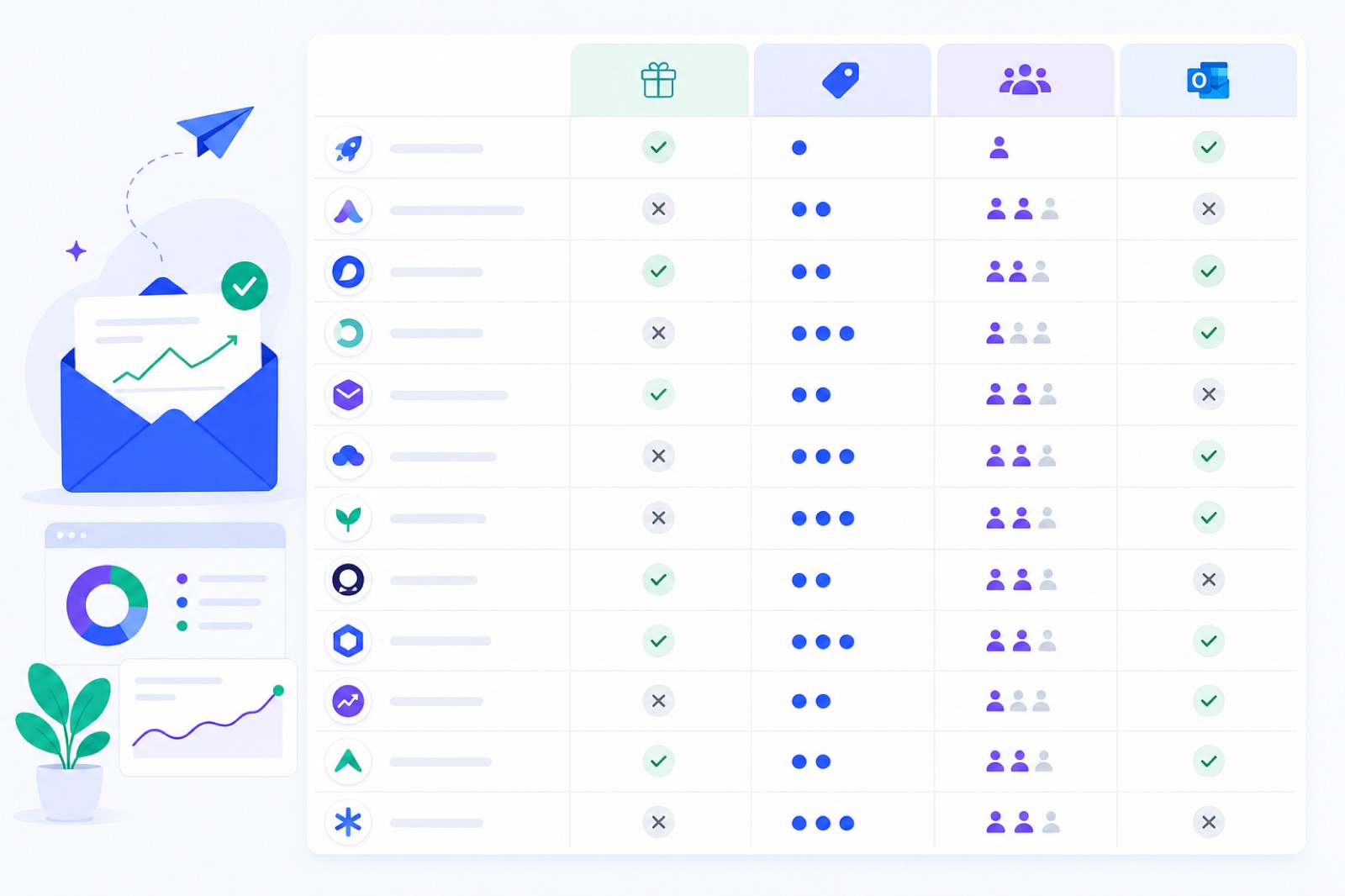
The best choice depends on how many mailboxes you need to warm without paying: only two standalone tools here have free-forever plans. If you miss the limits, you can mistake a short trial for a usable plan or overpay per inbox. This guide compares the tools, shows the dated pricing facts, and gives decision rules.
If you want a no-card option first, compare the table below with the free warm-up tool, the free-plan breakdown, and the per-mailbox cost table. Prices change, so treat this as a dated snapshot.
How was this compared?
We compared 12 warm-up tools on the fields that decide the purchase: free plan, free limits, cheapest paid price, pool type, providers listed, and Outlook support.
Prices read on 3 October 2026 from the vendor’s pricing page; check before you buy. Free-plan details were checked from vendor pages on 4 October 2026 where the wider free-plan dataset required it. If a field was not stated on the pricing page, the table says so.
This is not an inbox-placement ranking. No public pricing page proves deliverability. Warm-up can help create normal sending and engagement patterns, but you still need SPF, DKIM, DMARC, low bounce rates, and low complaints.
Google tells senders to keep spam complaints below 0.1% and avoid 0.3% or higher in its email sender guidelines. Yahoo publishes similar expectations in its sender best practices.
The order below puts free-forever capacity first, then stated entry price for paid tools. Where two tools have similar entry prices, the order is not a claim that one performs better.
What are the best email warm up tools?
Among standalone warm-up tools, only TrulyInbox and BobWork Email Warm-up offer a free-forever plan. TrulyInbox lists 1 account and 10 emails/day. BobWork lists up to 10 mailboxes and a 3–30 emails/day ramp per mailbox.
| Tool | Free plan | Free limits | Cheapest paid | Pool type | Providers | Outlook |
|---|---|---|---|---|---|---|
| BobWork Email Warm-up | Yes | Up to 10 mailboxes; ramp 3→30/day per mailbox; cap editable to 100; no card; no time limit | $5/mailbox/month ($3 each from 10 extra, $2 each from 50 extra) above 10 | Shared network by default, or private pool per account | Gmail/Workspace, Zoho, Lark, Yahoo, iCloud, SES, SendGrid, Mailgun, any IMAP+SMTP | Not yet |
| TrulyInbox | Yes | 1 email account; 10 warm-up emails/day; basic deliverability tracking; no card | Starter $22/mo annual, $29 monthly | Peer network, “40,000+ real accounts” | Google, Microsoft and Zoho counts stated for network | Yes |
| Warmbox | No, trial only | Not stated | Solo $15/mo yearly, $19 monthly | Vendor-run “+35,000 private inboxes” | Not stated on pricing page | Yes |
| Warmup Inbox | Freemium tier: 15 warm-up emails/week (checked 27 Oct 2026); 7-day trial of paid plans | Unlimited inboxes on free tier; paid-trial mailbox limit not stated | Basic $15/inbox/mo annual, $19 monthly | Shared network, “30,000+ real human inboxes” | Gmail, Workspace, Outlook, Microsoft 365, Yahoo, Zoho, ProtonMail, Fastmail, iCloud, AWS SES, Mailgun, any SMTP | Yes |
| MailReach | No | No trial; free spam test only, 3 per 24h | $19.50/mailbox/mo monthly; −20% annual | MailReach network of Workspace/O365 inboxes, “30k+” | Any SMTP: Gmail/Workspace, Outlook/O365, Zoho, Brevo, Mailjet, Mailgun, SendGrid, SES, Sparkpost, Ionos, OVH | Yes |
| Lemwarm | No standalone free plan | Lemlist seats include it; standalone trial details conflicting in checked facts | Essential $24/mo annual, $29 monthly | Shared, “20,000+ domains” | Gmail, Outlook one-click; Zoho, FastMail, Proton mentioned; SMTP | Yes |
| Mailivery | No, trial only | Not stated | Starter $29/mo | Peer-to-peer between customers | Not stated on pricing page | Yes, M365 |
| Smartlead | No, trial only | Trial: 2,500 sends, 1,250 contacts | Base $39/mo | “Private, reward-based, limited-access network” | Not stated on pricing page | Yes |
| Instantly | No | Trial: 250 contacts, 1,000 emails, warm-up from day one; account deleted if not upgraded | Growth $47/mo | Pool of customer accounts, “4.2M+” in free-plan dataset | Google Workspace, Microsoft Outlook in the core comparison | Not stated on pricing page in free-plan dataset |
| Warmy | No, trial only | Not stated | From $49/mo | Shared, “over 1 million” mailboxes | “Any ESP”, 35+ listed incl. Gmail, Outlook, Zoho, SES, Mailgun, SendGrid | Yes |
| Mailwarm | No | No traditional free trial | $69/mo Starter | Mailwarm-operated pool, “50,000+ aged real inboxes” | Google Workspace/Gmail, Microsoft 365/Outlook, other SMTP platforms including Yahoo, Zoho, AWS, SendGrid, Mailgun | Yes |
| Folderly | Warm-up not free | Free tier is alerts + 2 tests/month | Warm-up $96/mailbox/mo | Not stated on pricing page | Not stated on pricing page | Not stated on pricing page |
Which tool fits your situation?
BobWork Email Warm-up fits if you need free multi-mailbox warm-up and do not need Outlook yet. It is free for up to 10 mailboxes, then $5/month ($3 each from 10 extra, $2 each from 50 extra) for each active mailbox above 10.
It uses a shared warm-up network by default, or a private pool per account if you prefer. Private pools need at least two mailboxes. It supports Gmail and Google Workspace, Zoho, Lark, Yahoo, iCloud, SES, SendGrid, Mailgun and any IMAP+SMTP mailbox. Google users may see an unverified-app notice because the CASA audit is not complete.
TrulyInbox fits if you need one free inbox and Outlook support. Its free plan lists 1 email account, 10 warm-up emails/day, basic deliverability tracking and no card. Its paid Starter plan lists unlimited accounts and 200/day at $22/month annually or $29 monthly.
Warmbox fits if you want a low published paid entry price and do not need a free-forever plan. The checked facts list Solo at $15/month yearly or $19 monthly, plus a vendor-run “+35,000 private inboxes” pool. Provider coverage was not stated on the pricing page.
Warmup Inbox fits if you want broad provider coverage and Outlook support in a per-inbox product. Basic lists $19/month monthly or $15/month annually per inbox, with 75 warm-up messages/day and replies up to 25%. Cost rises with every inbox.
MailReach fits if you want a paid per-mailbox tool with high stated warm-up volume and broad SMTP coverage. It lists $19.50/mailbox/month monthly and up to 100 warming emails/day. It does not offer a free plan in the checked facts.
Lemwarm fits if you already use lemlist or want warm-up tied to that ecosystem. Essential lists $29/month monthly or $24/month annually per email address. Gmail and Outlook one-click setup are listed, with Zoho, FastMail, Proton and SMTP mentioned.
Mailivery fits if you want a customer peer-to-peer model and the entry price works. Starter lists $29/month. The facts list Microsoft 365 support. Free limits and providers beyond that were not stated on the pricing page.
Smartlead fits if warm-up is part of a broader outreach-platform decision. Base lists $39/month. The trial includes 2,500 sends and 1,250 contacts. This is not a standalone free warm-up plan, so compare the whole workflow.
Instantly fits if you want warm-up bundled with an outreach platform. Growth lists $47/month with unlimited email accounts and unlimited warm-up. Trial facts say 250 contacts, 1,000 emails, warm-up from day one, and account deletion if not upgraded.
Warmy fits if you want a paid shared-pool tool that advertises broad ESP coverage. Pricing is listed as “from $49/month,” and a 7-day no-card trial is listed. Because tier prices and per-mailbox details were not readable, ask for exact limits.
Mailwarm fits if you want a Mailwarm-operated pool and accept the higher starter price. Starter lists $69/month for 1 mailbox, with up to 50 warm-up emails and 50 replies/day. Growth is listed at $159 for 3 mailboxes.
Folderly fits if you are evaluating a wider deliverability suite and the per-mailbox price works. Warm-up lists $96/mailbox/month. Its free tier is alerts plus 2 tests/month, not free warm-up. Pool type, providers and Outlook support were not stated on the pricing page.
What limits should decide?
If you want free-forever warm-up, the shortlist is BobWork and TrulyInbox. BobWork gives the larger free mailbox allowance in this table. TrulyInbox gives a smaller free plan but includes Outlook support.
If Outlook is mandatory, remove BobWork for now. Warmup Inbox, Mailwarm, Lemwarm, Warmy, MailReach, TrulyInbox, Mailivery, Smartlead and Warmbox list Outlook or Microsoft 365 support in the checked facts. Folderly did not state Outlook support on the checked pricing page.
If you run many client inboxes, price by active mailbox count. Per-inbox pricing can look cheap for one mailbox and expensive for many. The agency warm-up comparison is useful if you manage multiple domains, owners and provider types.
If you only use Gmail or Google Workspace, do not overvalue Outlook support. Compare OAuth, app-password options, daily ramp, complaint-rate discipline and authentication. For Gmail-only options, use the Gmail warm-up comparison or the Gmail setup guide.
If you use Zoho, check the connection route. Some tools support Zoho by SMTP or IMAP. BobWork supports Zoho Mail through the Zoho Mail API with a Self Client code, including the free plan, or IMAP on Mail Lite and above. The Zoho warm-up guide explains that setup.
If your domain is new, price should not be the only filter. You need a slower timeline, correct DNS records, and conservative campaign volume. Use a new-domain plan like the 21-day domain ramp before sending meaningful outbound volume.
What should you check first?
Warm-up software cannot override provider trust systems. It can create consistent sending and engagement, but mailbox providers still judge authentication, user complaints, bounces, content, sending history and recipient engagement.
Check DNS before connecting any mailbox. SPF authorises sending sources. DKIM signs messages. DMARC tells receiving servers how to handle failed authentication. If these records are wrong, warm-up activity does not fix the root problem.
Control volume. A new mailbox that jumps from zero to hundreds of campaign emails per day can look abnormal. A typical cold outreach setup stays around 30–50 real outbound emails per mailbox per day, then adds mailboxes rather than pushing one inbox harder.
Decide on pool type. A shared network gives one mailbox peers immediately. A private pool keeps warm-up inside your account, but it needs at least two mailboxes and usually works better with different domains or providers. For the trade-offs, read the private pool versus public network guide.
Do this now
| Step | Action | How to verify |
|---|---|---|
| 1 | Count the mailboxes you need to warm this month | Multiply the tool’s billing unit by your active mailbox count |
| 2 | Separate free plans from trials | Confirm whether access continues after the trial window |
| 3 | Check provider support | Match your mailbox type to the provider column, then confirm on the vendor page |
| 4 | Check Outlook requirements | If you use Microsoft 365, remove tools marked “Not yet” or “not stated” |
| 5 | Verify SPF, DKIM and DMARC | Use DNS tools or provider admin panels before sending warm-up mail |
| 6 | Start low and ramp slowly | Look for a daily schedule such as 3/day upward, not instant high volume |
| 7 | Watch spam placement | Pause or reduce volume if recent warm-up spam placement rises sharply |
| 8 | Recheck prices before buying | Vendor prices change; compare the live pricing page before payment |
Choose by constraint
Choose BobWork if you need the largest free-forever mailbox allowance in this table and you do not need Outlook yet. It also fits if you want the choice between a shared warm-up network and a private pool per account. Use a private pool only if you have at least two mailboxes.
Choose TrulyInbox if you need one free inbox and Outlook support. Its free plan is smaller, but it is still a real free plan.
Choose Warmup Inbox or MailReach if you want paid per-mailbox warm-up with clearly stated daily warm-up volume. Warmup Inbox lists 75 messages/day on Basic. MailReach lists up to 100 warming emails/day.
Choose Instantly or Smartlead if warm-up is secondary to outreach platform features. You are buying the broader platform, not only warm-up.
Choose Warmy, Mailwarm, Lemwarm, Warmbox, Mailivery or Folderly when their specific pool, provider support, or platform bundle matches your stack. For any row with “not stated on pricing page,” ask the vendor before connecting production mailboxes.
If you want to test warm-up without a card, BobWork Email Warm-up starts free for up to 10 mailboxes. The shared warm-up network handles the gradual send-and-reply pattern automatically, and the dashboard lets you switch to a private pool per account. Current limits still matter: no Outlook yet, Google may show an unverified-app notice, and private pools need at least two mailboxes.
Frequently asked questions
What is the best free email warm-up tool?
Among standalone warm-up tools in this comparison, BobWork and TrulyInbox have free-forever plans. BobWork lists up to 10 mailboxes with a 3–30 emails/day ramp. TrulyInbox lists 1 email account and 10 warm-up emails/day.
Which email warm-up tools support Outlook?
Most paid tools in the table list Outlook or Microsoft 365 support. BobWork does not support Outlook yet. Folderly’s pricing page did not state Outlook support in the checked facts.
Are free trials the same as free plans?
No. A free plan continues after signup within stated limits. A trial ends after a set period or requires upgrade. In this table, Warmup Inbox, Mailivery, Smartlead, Warmy, Folderly and others are trial or paid options, not free-forever warm-up plans.
How many warm-up emails per day is safe?
Typical warm-up starts low, then rises gradually. BobWork starts at 3/day and adds 2/day up to 30/day by default. During active outreach, keep warm-up modest, often around 10–15/day, and avoid sudden jumps.
Can warm-up fix missing SPF, DKIM or DMARC?
No. Warm-up can create normal sending behaviour, but authentication still matters. Set SPF, DKIM and DMARC first, then warm gradually. Google and Yahoo also expect low complaint rates and proper sender setup.
Should agencies choose per-mailbox or per-account pricing?
Agencies should price by active mailbox count. Per-mailbox tools are simple for a few inboxes. Per-account or free multi-mailbox plans usually matter more when you manage many client mailboxes.
How long should email warm-up run before outreach?
A typical existing mailbox needs about 14 days before cautious outreach. A new domain usually needs 3–4 weeks. Watch spam placement, authentication, bounce behaviour and replies before increasing campaign volume.
Warm up your mailboxes free
Connect Gmail, Google Workspace, Zoho or Lark. Your mailboxes warm on a shared network, or in a private pool of your own, starting today.