 Email Warm-up
Yahoo Email Warm Up: IMAP Setup, Ramp, and Lock Avoidance
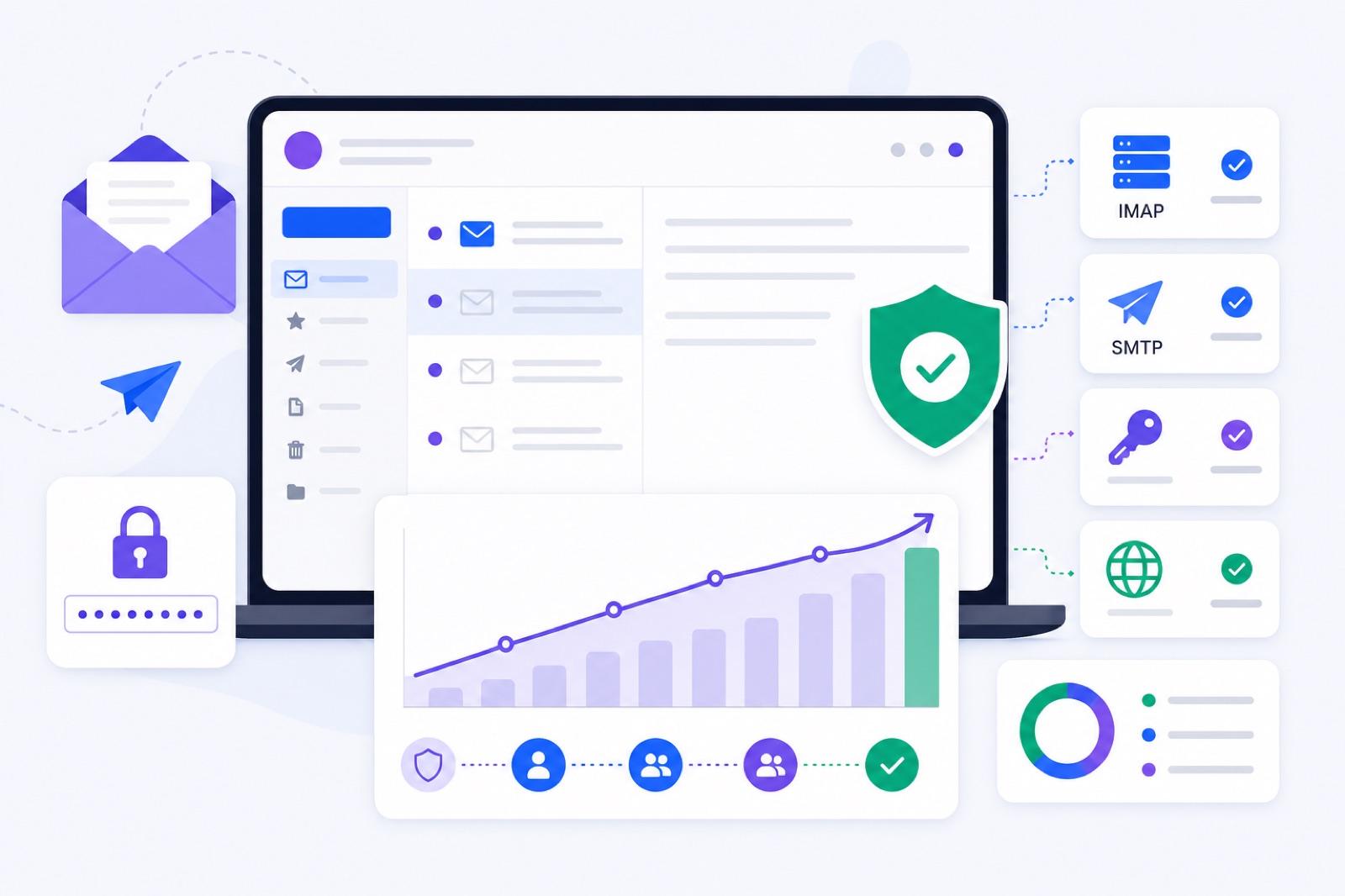
Warm up Yahoo Mail by enabling 2-step verification, creating a Yahoo app password, then starting at 3 emails per day and increasing slowly. If you jump volume, retry failed logins, or send bursty outreach, Yahoo can temporarily restrict the account. This guide gives the IMAP setup, DNS checks, ramp, and lock-avoidance steps, including the free warm-up tool.
Yahoo Mail is stricter than it looks. A normal inbox can handle personal mail for years, then hit a temporary sending lock after one bad week of outreach. The usual pattern is simple: a new app connection, password failures, a sudden volume jump, and messages that look like bulk mail.
Your goal is not to trick Yahoo. Your goal is to make the account behave like a steady human mailbox: correct authentication, slow sending growth, some replies, no bursts, low complaints, and clean DNS when you send from your own domain.
What does Yahoo watch?
Yahoo watches login behaviour and mail behaviour. Both need to look normal.
On the login side, Yahoo can challenge or block access after unusual sign-ins, repeated failed passwords, or unsupported client authentication. Use 2-step verification and an app password for IMAP tools. Yahoo documents this in its help page for third-party app passwords.
On the mail side, Yahoo looks for sudden outbound spikes, repetitive content, spam complaints, missing authentication, and bulk-sender problems. If you send campaigns, read Yahoo’s sender best practices before you scale.
| Signal | Safer pattern | Risk pattern | What to do |
|---|---|---|---|
| Login method | App password over IMAP | Normal password in tools | Enable 2-step verification first |
| Daily warm-up | 3/day, then slow growth | 30–100/day from day one | Ramp gradually |
| Sending pattern | Spread across business hours | Large bursts in minutes | Randomise send times |
| Replies | Natural conversation threads | One-way bulk mail only | Use replies, not blasts |
| Complaints | Aim below 0.1%; never near 0.3% | Repeated spam reports | Reduce volume and improve targeting |
| Authentication | SPF, DKIM, DMARC for your domain | Missing or misaligned records | Fix DNS before campaigns |
| Unsubscribe | Clear opt-out for bulk mail | No easy unsubscribe | Add List-Unsubscribe where required |
Treat complaint rate as a hard limiter. Google publishes a clear practical target: stay under 0.1% and never reach 0.3%. That discipline is useful for Yahoo-bound mail too, because complaints are one of the fastest ways to damage mailbox reputation.
Warm-up will not rescue bad campaigns. If your list is scraped, your copy is irrelevant, or recipients click spam, the account can still suffer. Read why emails go to spam before increasing outbound volume.
How do you connect Yahoo?
Yahoo Mail connects to BobWork Email Warm-up through IMAP with a Yahoo app password. Do not use your normal Yahoo password in a warm-up or outreach tool.
Yahoo’s documented receiving server is imap.mail.yahoo.com, usually on port 993 with SSL. Its documented sending server is smtp.mail.yahoo.com, usually on port 465 with SSL. Check Yahoo’s current IMAP and SMTP settings before setup.
Use this route:
- Sign in to Yahoo in your browser.
- Open Account Security.
- Turn on 2-step verification.
- Generate an app password.
- Add the Yahoo mailbox through IMAP.
- Paste the app password, not your Yahoo login password.
- Start with a conservative warm-up cap.
BobWork Email Warm-up supports Yahoo Mail through IMAP and an app password. It is free, needs no credit card, and allows up to 20 mailboxes per account. By default the mailbox warms in the shared network; switch the account to Private pool and only your own mailboxes write to each other (at least two needed).
The default ramp starts at 3 emails per day, adds 2 per day, and caps at 30 by default. You can edit the cap per mailbox, up to 100. For Yahoo, keep the cap lower at first, especially on new or previously locked accounts.
The engine sends between 09:00 and 18:00 in the mailbox’s own time zone. It decides every 15 minutes with randomness. A pair never writes to each other twice within three hours, and peers on another domain or provider are picked twice as often.
About 40% of received warm-up mail gets a reply. Threads end after three messages. Messages are plain text office talk with first-name greetings, no links, and no images. That is useful for Yahoo because link-heavy, repetitive, image-heavy mail can look like bulk sending.
Spam rescue is limited to warm-up mail. If warm-up mail lands in Spam, BobWork moves it to Inbox, marks it read, labels it Warm-up, and archives it after 24 hours. Only mail carrying the engine’s own hidden header is touched. Real mail is never read, moved, or answered.
For the full mechanics, read how the warm-up engine works. If this is your first mailbox, read what to expect during warm-up.
Which DNS records matter?
DNS depends on the address you use.
If you send from an @yahoo.com address, you do not control Yahoo’s domain DNS. Yahoo handles SPF, DKIM, and DMARC for its own domain. You still control account behaviour, content quality, and recipient reactions.
If you send from your own domain through any mail service, you control DNS. Publish SPF, enable DKIM, and add DMARC before using that mailbox for campaigns.
Do not copy old Yahoo DNS snippets from forum posts. Provider records change. Use the exact records shown in your mail hosting admin panel.
| Record | DNS name | Value pattern | Why it matters | How to verify |
|---|---|---|---|---|
| SPF | Root domain, usually @ | v=spf1 ... ~all | Authorises the sending service | Run an SPF check |
| DKIM | Provider selector | Long TXT public key | Proves the message was signed | Run a DKIM check |
| DMARC | _dmarc | v=DMARC1; p=none; rua=mailto:... | Tells receivers how to handle authentication failures | Run a DMARC check |
| Unsubscribe | Message header | List-Unsubscribe and one-click support | Required for many bulk messages | Inspect a real campaign email |
DMARC can start at p=none. That lets you monitor authentication without rejecting legitimate mail. Move to stricter policies only after you confirm that your real sending sources pass.
For outreach, alignment matters. The domain in the visible From address should match, or align with, the authenticated domain. If you use multiple sending tools, check each one before launching campaigns.
One-click unsubscribe is required for many bulk messages. It is not a DNS record, but it affects compliance and complaints. The relevant standard is RFC 8058.
What Yahoo email warm up ramp works?
A Yahoo email warm up should be conservative when the account is new, idle, or previously locked. Start low, hold caps longer, and raise volume only after the mailbox stays stable.
Use this schedule as a practical starting point for one Yahoo mailbox with working app-password access and no active sending restriction.
| Day range | Warm-up cap | Real outbound | What to watch | If there is a problem |
|---|---|---|---|---|
| Days 1–3 | 3–7/day | 0/day | Login stability | Fix app password first |
| Days 4–7 | 9–15/day | 0–5/day | Spam landings and replies | Hold the cap for 3 days |
| Days 8–14 | 15/day | 5–10/day | 7-day spam rate | Pause if above 5% |
| Days 15–21 | 15–20/day | 10–20/day | Complaints and bounces | Reduce campaign volume |
| Days 22–28 | 20–30/day | 20–30/day | Stable inboxing | Add mailboxes, not volume |
| Campaign weeks | 10–15/day | Typically 30–50/day max | Replies and complaints | Lower volume before lockouts |
For an existing Yahoo mailbox, warm up for at least 14 days before meaningful outbound. For a new Yahoo mailbox, use 3–4 weeks. Use the slower end when the account has little history.
Keep warm-up running during campaigns at 10–15 per day. Do not let warm-up plus real outreach create a sudden volume jump. If you need a mailbox-specific plan, use the warm-up schedule generator.
BobWork marks a mailbox ready for outbound only after 14+ days warming, a 7-day spam rate of 3% or lower, and at least 30 warm-up emails received. Spam rate is measured from actual receiving mailboxes, not third-party seed lists.
Health scores run from 0 to 100. Healthy is 85 or higher. Watch is 60–84. At risk is below 60. Blocked means login or permission failed. If Yahoo blocks access, fix login before judging deliverability.
How do you avoid locks?
Yahoo temporary locks usually follow a behaviour change. Common triggers include a new app connection, VPN login, repeated password failures, a burst of mail, or complaints from recipients.
First, separate login blocks from sending blocks. If IMAP cannot connect, check the app password, 2-step verification, and Yahoo account alerts. Do not keep retrying a bad password. Repeated failures can make recovery slower.
Second, reduce volume before Yahoo forces you to. If you see delayed sending, SMTP errors, account warnings, or a rising spam rate, pause campaigns for a few days. Keep only a small warm-up flow if login remains stable.
Third, remove burst behaviour. A normal user does not send 80 similar messages in five minutes. Spread sends across business hours. Avoid mass imports, automated follow-up bursts, and identical first lines.
Fourth, keep early content plain. Use text. Limit links. Avoid attachments and URL shorteners. Do not send the same pitch to every recipient. A warmed account can still be restricted because of poor campaign content.
Fifth, treat complaints as the signal they are. If people click spam, lower volume and improve targeting. Do not try to overpower complaints with more warm-up.
| Situation | Immediate action | Resume at | Wait for |
|---|---|---|---|
| Bad app password retries | Stop retries and create a new app password | 3/day | Stable IMAP login |
| Temporary sending block | Pause real outbound | 3–5/day | No new warnings |
| Spam rate above 5% | Pause the mailbox for a few days | 3/day | 7-day rate falling |
| Campaign complaints | Stop the campaign | 0 real outbound | List and copy review |
| DNS failure on own domain | Fix records before sending | Warm-up only | SPF, DKIM, DMARC passing |
Warm-up is not a cure for damaged reputation. It is a controlled way to build and maintain positive mailbox behaviour. If the account keeps locking, lower the target. Add mailboxes instead of forcing one Yahoo address to carry all outbound.
Do this now
Use this checklist before connecting Yahoo Mail to any warm-up or outreach tool.
| Step | Action | How to verify |
|---|---|---|
| 1 | Sign in to Yahoo directly | Inbox and Account Security open normally |
| 2 | Turn on 2-step verification | Yahoo shows 2-step verification enabled |
| 3 | Generate an app password | You have a new app-specific password saved securely |
| 4 | Confirm IMAP settings | imap.mail.yahoo.com, port 993, SSL |
| 5 | Confirm SMTP settings | smtp.mail.yahoo.com, port 465, SSL |
| 6 | Add the mailbox by IMAP | Connection succeeds without repeated retries |
| 7 | Set a conservative cap | Start at 3/day and hold 10–15/day early |
| 8 | Check SPF for your domain | SPF passes in the SPF checker |
| 9 | Check DKIM for your domain | DKIM passes in the DKIM checker |
| 10 | Add DMARC for your domain | _dmarc passes in the DMARC checker |
| 11 | Add unsubscribe for campaign mail | A sent campaign contains List-Unsubscribe headers |
| 12 | Watch spam rate for 7 days | 7-day spam rate stays at or below 3% |
Do not skip the first three steps. Most Yahoo setup problems come from using the normal account password or retrying a failed connection too many times.
Warm-up sits beside authentication, list quality, copy, and sending rhythm. If you want the network model before starting, read how email warm-up networks work.
When are you ready?
You are ready for small outbound volume when the Yahoo mailbox has warmed for at least 14 days, received at least 30 warm-up emails, and kept its 7-day spam rate at or below 3%.
For a new Yahoo mailbox, wait longer. Three to four weeks is safer. Start real outreach at 5–10 messages per day, then move toward 30–50 per mailbox only if replies, bounces, and complaints stay controlled.
Keep warm-up running at 10–15 per day during campaigns. That is maintenance, not permission to blast. If Yahoo shows a warning or spam rate rises above 5%, pause that mailbox for a few days and restart at a lower cap.
If you use your own domain, do not send campaigns until SPF, DKIM, and DMARC pass. If you use @yahoo.com, remember that you do not own the domain reputation. You control only behaviour, content, and recipient reactions.
You can connect Yahoo Mail to BobWork Email Warm-up with an app password and IMAP. The tool is free, has no time limit, and runs a shared network by default with a private-pool switch per account. Connect the mailbox, keep the Yahoo cap conservative, and let the account prove it can send steadily.
Frequently asked questions
Can I warm up Yahoo Mail with my normal password?
No. Use 2-step verification and a Yahoo app password for IMAP access. Your normal Yahoo password should not be entered into mail clients or warm-up tools that connect over IMAP.
What are the Yahoo IMAP and SMTP servers?
Use imap.mail.yahoo.com for receiving mail over IMAP, typically on port 993 with SSL. Use smtp.mail.yahoo.com for sending mail, typically on port 465 with SSL. Check Yahoo’s current help page before setup.
Why did Yahoo temporarily block sending?
Yahoo may lock or throttle sending after unusual sign-ins, repeated authentication failures, sudden volume jumps, spam complaints, or bursty outbound behaviour. Pause sending, fix authentication, and resume with a lower daily cap.
Do I need SPF, DKIM and DMARC for a Yahoo address?
For an @yahoo.com address, Yahoo handles the domain’s authentication. For your own domain, you control DNS. Publish SPF, enable DKIM with your sending provider, and add DMARC before sending campaigns.
How long should I warm up Yahoo Mail?
Use at least 14 days for an existing mailbox and 3–4 weeks for a new one. Keep the ramp conservative if the account is new, has no sending history, or has been temporarily locked before.
Can I send cold outreach from Yahoo Mail?
You can send normal business mail, but Yahoo is not a bulk outreach platform. Keep daily volume low, avoid bursts, include one-click unsubscribe for marketing or subscribed mail, and keep complaints well below Yahoo’s limit.
Does BobWork support Yahoo Mail?
Yes. BobWork Email Warm-up supports Yahoo Mail through IMAP with a Yahoo app password. It is free, has no credit card requirement, and offers a shared network or a private pool per account.
Warm this mailbox up for free
Connect it in a minute. It warms on the shared network or in your own private pool, ramps 3 to 30 a day, and the dashboard tells you when you are ready.